笔记 /
这篇文章尚未翻译,因此以英文原文显示。
I asked my computer what was on my screen
At 4:52 p.m., a button is greyed out in a settings window.
There is a warning near the top, three tabs down the left and a paragraph of instructions that seems to assume you already know which option matters. You could search the exact wording, if you knew which wording was important. You could take a screenshot and upload it to an assistant, if the window did not also show a client name and part of a private file path.
What you want to ask is simpler: What am I looking at, and what should I check next?
Most assistants make that question surprisingly laborious. The context is already on the screen, but the user has to turn it into a description before the assistant can help.
A glance only when you ask for one
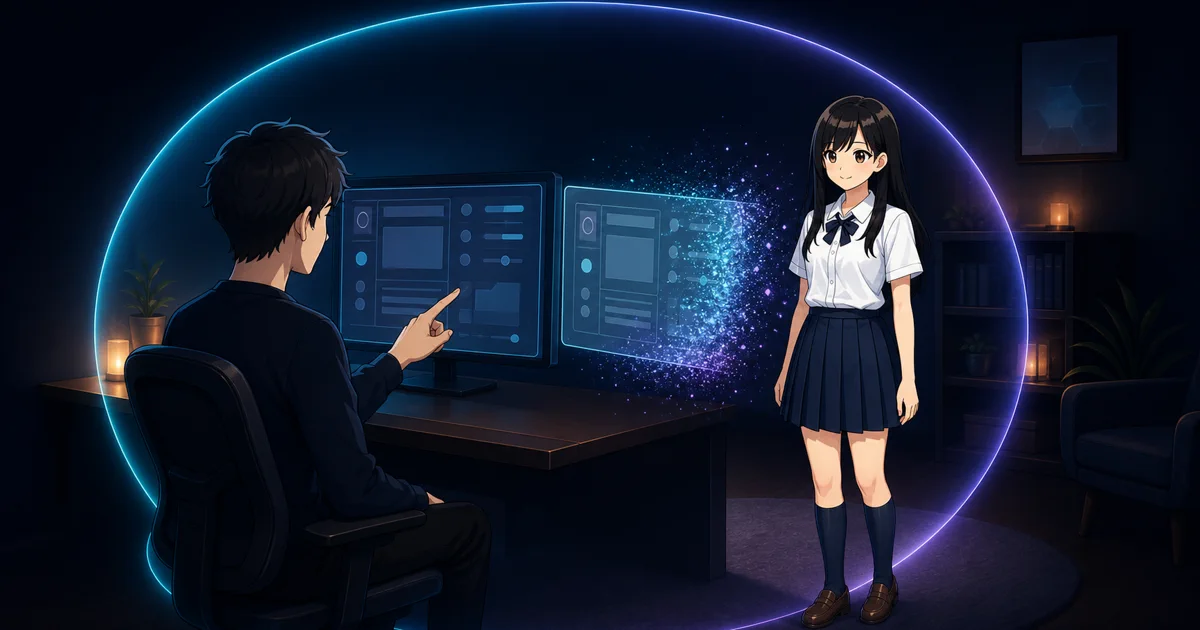
DT Life has an eye button in its chat and a Look at my screen action in the companion’s right-click menu. Pressing either is an explicit request to inspect the window you were working in. DT Life avoids capturing one of its own windows, so opening the chat does not replace the thing you wanted it to see.
The local vision model reads the image in two passes. The first pass transcribes what is visibly present as faithfully as it can. The second uses that reading to answer. Separating those jobs reduces the temptation to jump from a vague visual impression straight to a confident conclusion.
From chat, the answer becomes a normal turn in that conversation. From the companion menu, the answer can appear as a speech bubble beside the character. The useful change is small: instead of copying an error, describing a layout or cropping a screenshot, you can point the assistant at the context that already exists.
Who this helps
The obvious case is technical support: an unfamiliar error, an installer with three similarly named choices or a form whose validation message is far away from the field it refers to.
But “what is on my screen?” is broader than troubleshooting. It can help someone working in a second language understand the structure of a page, a new employee find the next action in unfamiliar software, or a person with visual or cognitive accessibility needs turn a crowded interface into a short verbal explanation.
It can also give a developer a second reading of a local error without pasting private source paths into a web chatbot. The common thread is not expertise. It is that the screen contains context that would be tedious or risky to reproduce elsewhere.
The image is never stored
A useful screen feature should not quietly become a screen-history product.
The capture is sent only to DT Life’s local vision model, analysed and then discarded. Screen images are on-demand and never stored. A glance from the chat can store the text of the reply inside that conversation; it records that a screen was examined, not the screen image itself. A glance answered through the companion bubble is not filed into a conversation at all.
This is different from building a searchable archive of screenshots. The user chooses the moment, and there is no image timeline to recover later. Sensitive conversation text, account details or client material do not need to be sent to an AI cloud just to ask what a visible control means.
A window is not the whole situation
Vision still has limits. Small text can be misread. A disabled control may depend on something below the fold, in another tab or in a document the model cannot see. Icons without labels are ambiguous, and a local model is not a substitute for the official instructions behind a medical, financial, legal or security decision.
The feature sees the visible working window, not every hidden fact needed to solve the problem. Its answer should be treated as an interpretation to check, especially before changing settings or sending information.
That modest boundary is the point. Sometimes you do not need an assistant that watched the whole day. You need one careful glance, right now, followed by no saved image at all.