ノート /
この記事はまだ翻訳されていないため、英語の原文を表示しています。
Talking was easier than typing
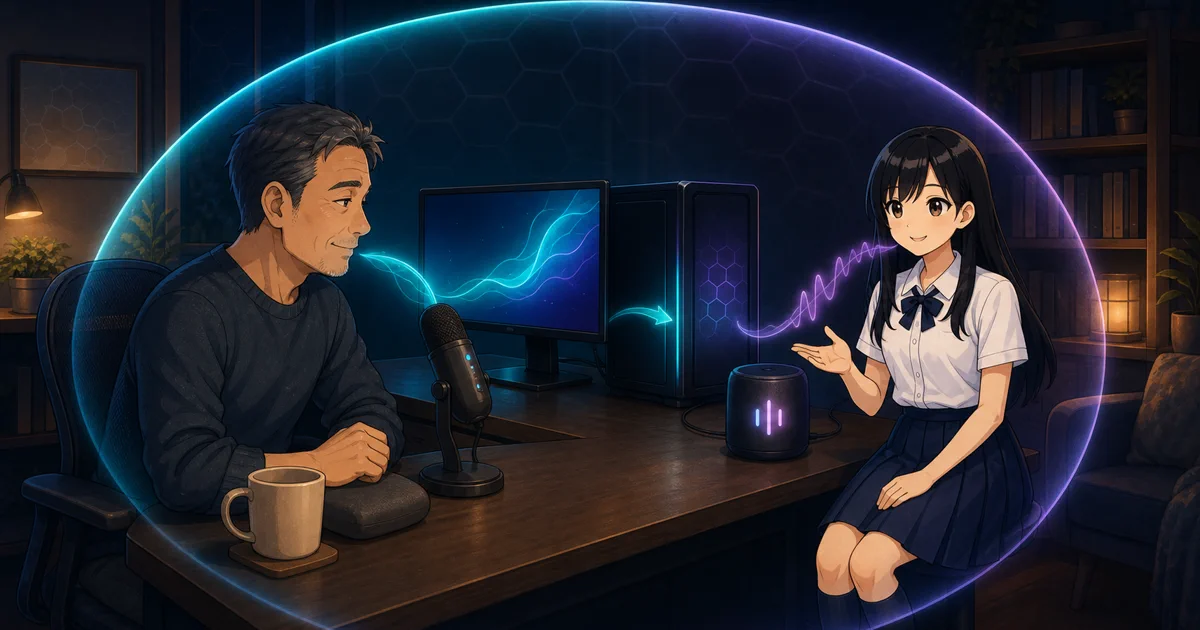
It is 11:08 p.m. The thought is complete in your head, but the cursor is still blinking in an empty message box.
Perhaps your hands are tired. Perhaps you are pacing while thinking through a problem, holding a cup, or trying to capture an idea before it disappears. The keyboard is available; it is simply the most inconvenient part of the room.
Talking will not replace typing for everyone. But there are moments when the distance between a thought and a useful assistant should be one microphone button, not another small writing task.
Speak first, edit second
In DT Life’s Talk composer and companion chat, the microphone works as push-to-talk. Tap once to begin recording and again to stop. A local faster-whisper model transcribes the clip, then places the resulting words into the composer. If text is already there, the transcript is added to it.
It does not send the message automatically. You can fix a name, remove a false start, or decide the thought sounded better in your head. That review step is especially important for voice: a confident transcription can still be one word wrong, and one word can change a request.
The return path can be spoken too. Every twin message has a speaker control, so you can listen to one reply without turning the whole app into a talking interface. An optional auto-speak setting reads new replies and proactive companion lines aloud. Settings includes natural Kokoro voices and lighter, faster Piper alternatives; if a selected voice cannot run in a particular build, the app falls back to one that can.
The delivery is not just one speed for every sentence. DT Life adjusts speech for the sentence’s tone and for the companion’s current derived mood, while keeping the words themselves unchanged. A question can leave room for its intonation; a calm statement does not need to sound like an alarm.
This is useful for someone thinking away from the desk, a person who finds long typing sessions uncomfortable, a user who processes ideas better by hearing them, or anyone who wants a reply while their eyes remain on the document in front of them. It is also optional. If the voice stack is unavailable, its controls disappear and the rest of DT Life keeps working.
The microphone does not need a transcription company
Recorded audio goes from the desktop interface to DT Life’s backend on the same machine. Speech recognition runs there, and synthesized replies are generated locally and played back through the loopback service. The clips and reply text are not sent to a remote speech API.
That boundary matters because voice is unusually revealing. A recording can carry background conversations, names, emotion, and details that would never appear in the cleaned-up sentence you meant to type. Keeping transcription on the device avoids creating a second remote copy merely for convenience.
The voice models do have to exist on the machine. The Whisper model and chosen Piper voice can download on first use; after that, they run offline. Windows will also ask for microphone permission the first time, as it should. DT Life cannot listen if you do not grant it access.
Voice has bad rooms and bad days
Background noise, an unfamiliar name, overlapping speakers, or a strong accent can produce a poor transcript. Local speech generation can take longer on an older CPU, and a local voice may not sound as natural as a large hosted speech service. Dictation is also a poor fit for an open office or any situation where saying the private thing aloud creates a different privacy problem.
That is why the text remains visible before sending, the speaker button is per-message, and auto-speak begins as an opt-in choice. Voice should remove friction when it helps, then get out of the way when silence and a keyboard are better.